Block Browser Agents From Reuploading Unchecked Files
A browser agent can carry a hostile download from a public site into email or cloud storage. Put an inspection gate between the download tool and every upload tool.
August 9, 2026 · 7 min read
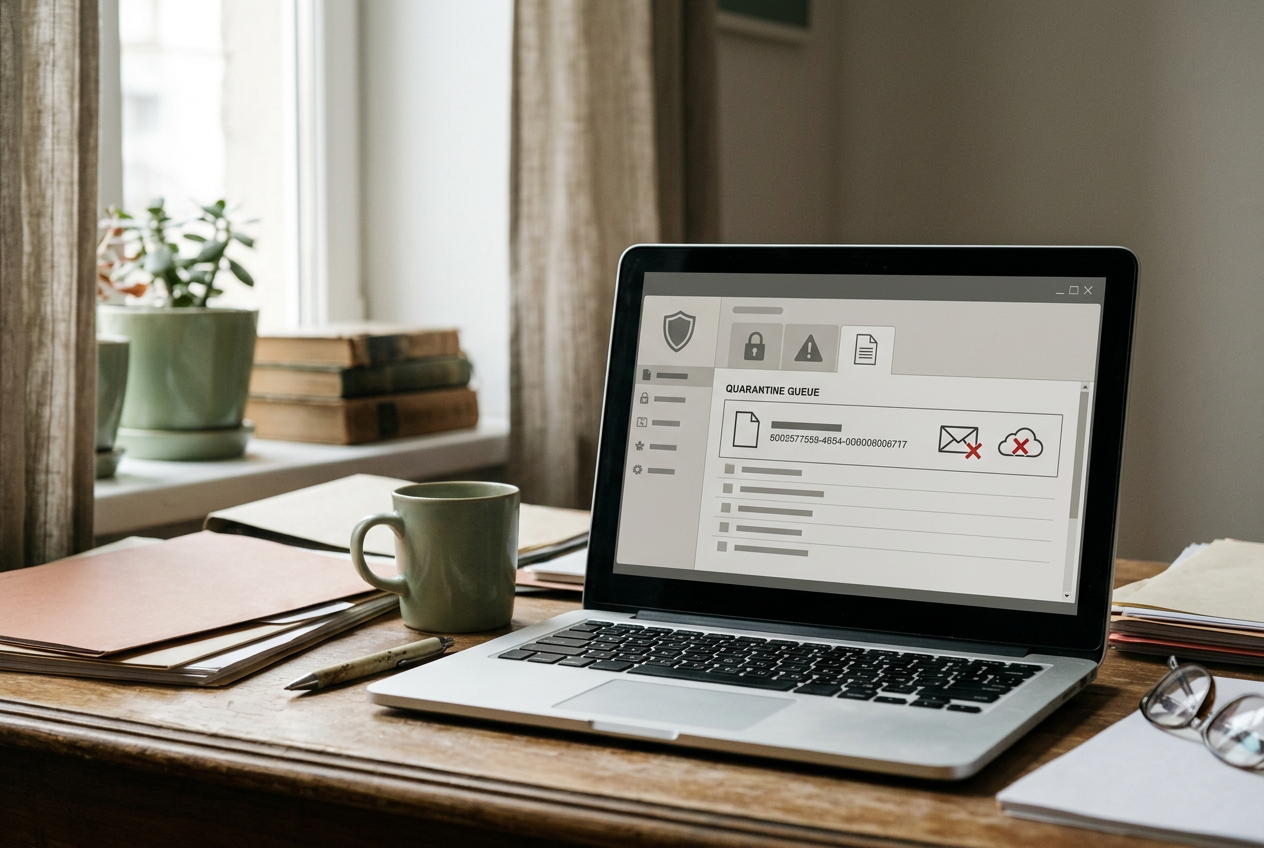
Consider an accounts-payable agent handling one invoice. It signs into a supplier portal, downloads `Invoice-4821.pdf`, saves a copy to the company drive, and emails the document to the accounts-payable inbox. The model can complete every step with ordinary browser, storage, and email tools.
The dangerous part is the handoff between them. If the upload tool accepts any path produced by the browser tool, the agent can move an untrusted file across the company boundary without checking whether it is a PDF, whether a scanner recognizes malicious content, or whether the destination belongs to the approved workflow.
This does not require the model to behave erratically. The agent may follow its instructions exactly. A compromised supplier site, misleading download button, redirected link, or file disguised by its extension can place hostile content in its workspace. The agent then becomes a transport mechanism into systems where employees and automated document processors are more likely to trust it.
The direct handoff is the failure
A common tool graph looks harmless: `browser.download()` returns a local file path, then `drive.upload(path)` or `email.send(attachment=path)` consumes it.
The orchestrator, which is the software coordinating those calls, checks that the first task completed and advances to the next one.
That design treats possession as permission. Any file the browser can create becomes eligible for every upload connector the agent can call, including files from unrelated tabs, cached content, partial downloads, and material generated by a page rather than the expected supplier.
The `Invoice-4821.pdf` name proves little. An extension is a label, while the file’s underlying structure determines how software handles it. Servers can also declare a MIME type, a standardized content label such as `application/pdf`, but that declaration comes from the untrusted source and may be wrong.
Some files can satisfy more than one parser, and documents that are valid PDFs may still contain scripts, embedded files, links, or malformed objects intended to exploit a reader.
The first design change is therefore architectural: the browser cannot return a path that an upload tool accepts.
Give the agent an artifact reference, not a reusable path
After the supplier download, the browser tool should place `Invoice-4821.pdf` in a quarantine store and return an artifact ID. Quarantine is isolated storage where a file remains unavailable to ordinary users and downstream systems until policy checks finish. The agent can see metadata about the artifact, but it cannot attach or publish the underlying bytes.
A separate inspection service calculates a cryptographic hash, a content-derived identifier that changes if the file changes, and records the source URL plus the expected document type. The service then validates the format and submits that exact hash to the malware scanner. If policy permits release, it issues a short-lived release token tied to the artifact, hash, workflow, and approved destination.
The upload tools accept only that token. They do not accept arbitrary local paths, browser download handles, or raw file bytes supplied by the model. Immediately before transfer, the broker hashes the quarantined file again and compares the result with the inspected hash, preventing a time-of-check-to-time-of-use failure in which one file is scanned and another is uploaded.
For the invoice run, the useful chain is: browser download, quarantined artifact, inspection decision, release token, then upload. The model may request each transition, but code outside the model decides whether it is allowed.
Validate the file as the document the workflow expects
Type validation should compare several signals rather than trusting `Invoice-4821.pdf`. The gate checks the extension and the server-declared MIME type, then inspects magic bytes, which are identifying byte patterns near the start of many formats, and asks a format-aware parser whether the document has a valid internal structure.
The policy begins with the workflow’s expectation. An invoice task may permit PDF documents and reject executables, disk images, scripts, shortcuts, and archives even if the organization accepts those formats elsewhere. A renamed executable fails immediately. An archive labeled as a PDF fails because the parser cannot read it as one.
A malformed PDF can be rejected or routed to manual review rather than passed downstream on the assumption that a desktop reader will cope.
Validation can go deeper when the destination warrants it. A team may reject PDFs containing embedded attachments or active actions, or render each accepted PDF into a safer representation before internal delivery. That conversion can remove useful features, alter signatures, or change layout, so it is a policy choice rather than a universal default. Accounts payable may need the original document for records even when staff view a flattened copy.
File-type validation is not malware detection. It answers whether the artifact matches the expected format closely enough to continue.
Scan the exact artifact, and treat “clean” as provisional
The malware scanner should read the quarantined bytes associated with the recorded hash. If the scanner reports a known threat, times out, cannot parse the file, or cannot inspect an encrypted payload, the broker withholds the release token. The agent receives a bounded status such as `blocked`, `review_required`, or `scanner_unavailable`, not an invitation to decide that the file looks trustworthy.
A scanner’s clean result means it found no threat under its current engine, signatures, and analysis settings. It does not certify safety. Unknown malware can evade signature checks, while sandbox analysis, which opens suspicious content in an isolated environment to observe behavior, adds more coverage at the cost of longer waits and additional infrastructure.
For `Invoice-4821.pdf`, the team can choose a fast static scan for routine documents and escalate unusual structures to deeper analysis. The agent should wait, send a status update, or hand the task to a person. It should not bypass inspection because an invoice deadline is approaching or because a scanner outage has lasted longer than the model expected.
Cloud storage and email services may run their own security checks after upload. Those controls remain useful, but they occur after the agent has already crossed the intended trust boundary and may apply different policies to links, encrypted files, or automated service accounts.
Allowlist the destination as a resource, not a phrase
Even a well-formed file with no detected malware should not go wherever the model proposes. A destination allowlist restricts transfers to preapproved connector accounts and resources. For this workflow, that could mean one accounts-payable drive folder and one internal mailbox, represented by stable resource IDs rather than names the model types into a prompt.
That distinction matters. A folder called “AP Invoices” can exist in a personal drive, a similarly named external workspace, or the wrong company tenant. An email display name can conceal a different address. The broker should resolve the requested destination through the connector, compare its canonical account and resource identifiers with policy, and reject redirects or newly shared external locations.
Keep the allowlist narrow enough to describe the job. The invoice agent does not need permission to upload into every folder visible to the service account, nor does it need a general email attachment function that accepts any recipient. A request for a new supplier mailbox or drive location should create an approval task, after which an administrator can add the destination deliberately.
An allowlist limits where the agent can carry the file; it does not decide whether the invoice contains confidential information appropriate for that destination. Workflows with that concern need content classification or data-loss prevention checks as another gate.
Enforce the gate in tools, not in the system prompt
A prompt that says “scan all files before upload” expresses intent but does not establish a control. The model can omit a call, misunderstand a scanner response, reuse an earlier result, or find another upload tool whose interface still accepts a path.
Enforcement belongs in the upload broker and connector permissions. The browser service account writes only to quarantine. The inspection service can read quarantine and issue release tokens but cannot send email. The upload broker can read released artifacts and reach only allowlisted destinations.
The agent receives scoped operations rather than credentials with broad access.
Review the full tool catalog for alternate routes. If the agent can paste bytes into a messaging API, create a public file link, submit a web form with an attachment, or call a generic code-execution tool that has network access, disabling `drive.upload(path)` has not closed the path. Every operation that can move an artifact across the boundary must require the same release decision.
The run log for `Invoice-4821.pdf` should connect the source URL, artifact hash, detected type, scanner result, policy decision, release token, canonical destination, and connector response. Record the scanner configuration and any human approval as well. Without that chain, an operator may know that an upload happened but cannot prove that the uploaded bytes were the ones inspected.
Decide how failure should stop the run
For transfers into internal systems, failure should normally close the gate. An unavailable scanner, ambiguous file type, changed hash, expired token, or unrecognized destination stops the upload and moves the artifact to review. The fallback is a person using a separate inspection path, not a button that asks the same agent to try again with fewer checks.
This setup adds storage operations, parser work, scanner fees where a commercial service is used, and latency before delivery. Basic checks may finish quickly, while sandboxing or manual review can stretch the wait much longer. False positives will also hold some legitimate invoices.
That cost is easiest to justify where an agent crosses from the public web into trusted email, shared storage, ticketing, or document-processing systems. If the agent only summarizes a public page and never carries files inward, the full transfer broker may be unnecessary. Once `Invoice-4821.pdf` can become an internal attachment, a prompt-level instruction is not enough.
Questions people ask
Can the agent inspect the file itself before uploading it?
The model can help classify visible content, but it should not make the release decision. It may miss a disguised format or malicious object, and reading the document can expose the model or its tools to untrusted instructions. A separate service should validate and scan the exact bytes, then return a constrained status.
Should every downloaded file go through sandbox analysis?
No. Format validation and a conventional malware scan may be proportionate for routine document workflows, while suspicious structures or higher-risk destinations can trigger sandboxing. Sandboxes consume more time and infrastructure, still miss some threats, and may not handle encrypted or environment-sensitive files reliably.
What happens when the scanner is unavailable?
Hold the artifact in quarantine and pause or hand off the run. Letting the agent upload during an outage turns a security dependency into an optional suggestion. If the business requires an emergency path, make it a separately authorized human procedure and preserve the hash, destination, approval, and final transfer result in the log.
Is a destination allowlist enough to prevent data leakage?
No. It limits where the agent can send a file, which blocks arbitrary recipients and storage locations, but an approved destination can still be inappropriate for sensitive content. Add classification or data-loss prevention controls when the workflow handles regulated, confidential, or customer-specific material.
One story a day
The story of the day, in your inbox
One real story about AI each morning — no hype, no alarm, just company for the road.