AI Desk Cameras Can Read Mail, but Phones Still Scan Better
A fixed camera makes document capture hands-free only when the page stays flat, well lit, and inside a known frame. Mail, reflective labels, and tables expose the compromise quickly.
August 9, 2026 · 8 min read
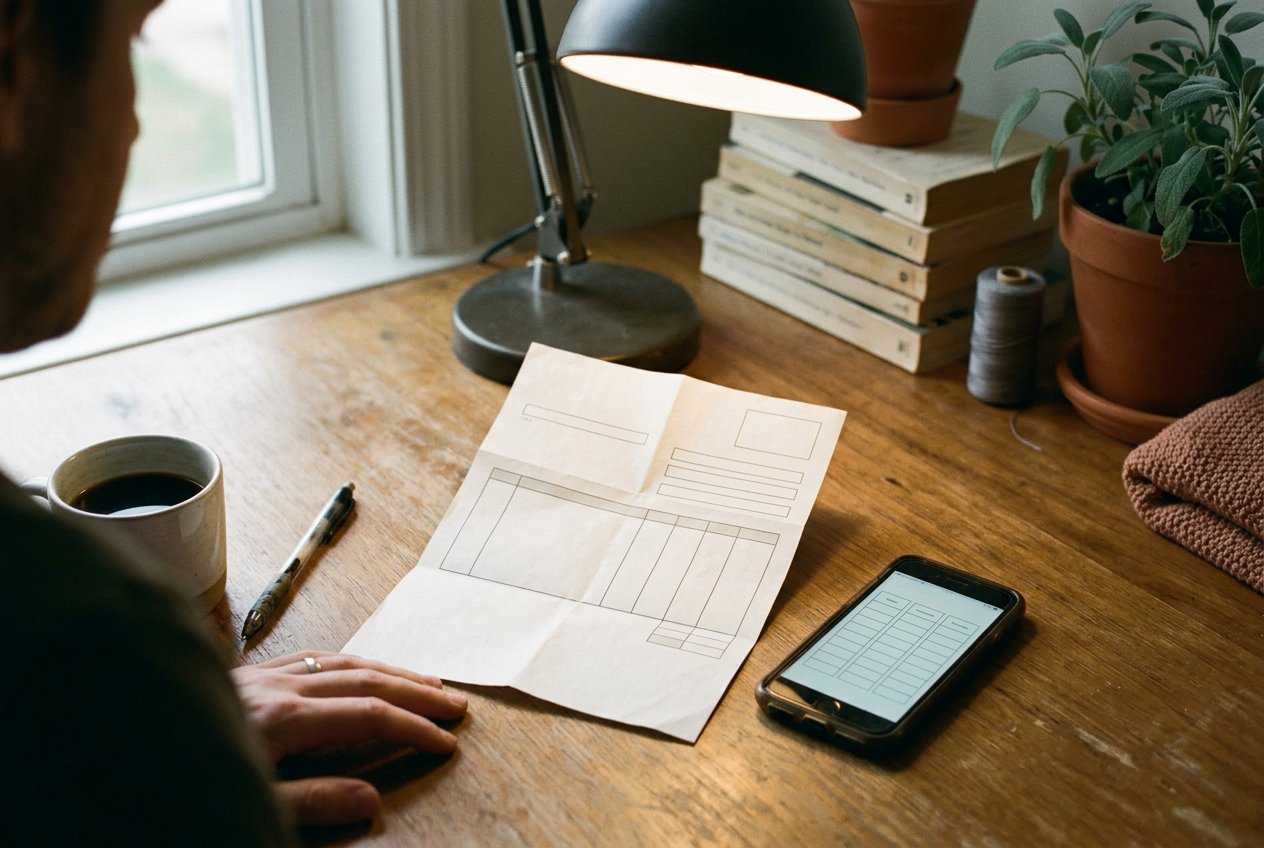
The useful test for an AI desk camera is an ordinary window envelope containing a one-page utility bill. Put it beneath the lens, ask for the amount due and payment date, then ask the system to reproduce the usage table. That workflow covers most of the promise: hands-free capture, text recognition, summarization, and structured extraction without reaching for a phone.
It also reveals the central limitation. A fixed camera does not know that the top edge of the bill is outside its view, that a fold has hidden a digit, or that a lamp reflection has washed out one column unless its software detects those defects and stops. A language model may still return a fluent answer. Fluency is not evidence that the source image was complete.
This makes the desk camera useful as a visual assistant, but a weaker scanner than its feature list suggests.
The camera is only the first stage
The workflow has several separate stages, and a failure in any one can contaminate everything after it. The camera captures an image. Software crops and straightens the page. Optical character recognition, or OCR, converts visible characters into machine-readable text.
A multimodal model, which accepts images as well as text, interprets that output and answers the request.
The model can sometimes read directly from the image, but the practical distinction remains: image quality determines which marks are available, while the model decides what those marks mean. If the camera turns an 8 into a 3, the summary may confidently report the wrong balance. If cropping removes the row labels, table extraction becomes a guessing exercise even when the remaining numbers look sharp.
A fixed mount helps with consistency. Once the camera, desk mat, and lamp stay in place, the user can learn the usable capture area and place a page in roughly the same spot each time. The capture itself can feel immediate, although cloud processing adds a wait and requires the image to leave the desk. Reposition the camera, rotate the document, or move from a white letter to a glossy package, and that repeatability starts to disappear.
The utility bill therefore needs a visible preview, not merely a voice command. A good desk system should show the full captured frame, mark uncertain text, and preserve the source image beside its answer. Without those checks, hands-free operation removes the exact step that catches many scanning errors: looking at the screen before submission.
Mail works when the page behaves
A flat white letter under diffuse desk lighting is the favorable case. Large printed text has clear contrast, paragraphs follow a familiar reading order, and a model can usually distinguish an address block from the body. Summarization is forgiving because the user often wants the main request rather than a perfect transcription.
Envelopes and folded inserts are less cooperative. A crease casts a narrow shadow, a window adds reflection, and text close to an edge can sit outside the fixed camera’s focus or field of view. Ordinary side light from a window changes during the day, so a position that works in the morning may produce glare later. More AI does not recover characters that the sensor never captured.
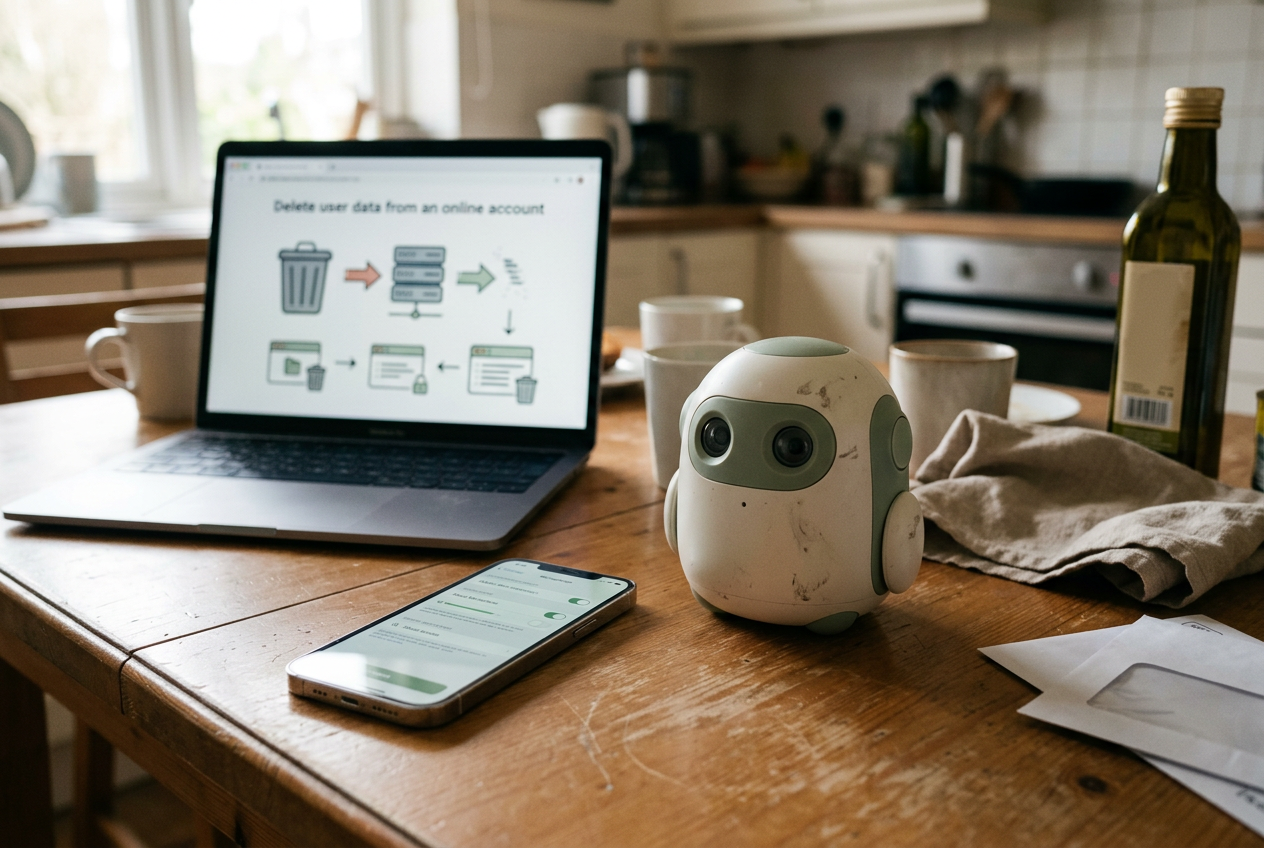
Mail also contains the material least suited to casual cloud upload: names, addresses, account references, medical details, and payment information. Before using a desk camera, the owner needs to know whether images are processed on the device or sent to a remote server, whether captures are retained, and whether they appear in an account history. A physical shutter matters here because it provides a visible state that software cannot quietly override.
For the utility bill, the sensible request is narrow: identify the issuer, amount due, due date, and action required, then show the text supporting each answer. Asking for a broad summary encourages compression and can hide an exception such as an estimated reading or a changed payment method.
Small labels defeat the fixed viewpoint
Package labels look easier because they contain fewer words. In practice, their small type and varied surfaces demand more control over distance and angle than a fixed camera offers.
A bottle can roll. A carton may place text around a corner. Foil, clear plastic, and glossy ink reflect a desk lamp directly into the lens. When a label includes a serial number or dosage line, one substituted character changes the result, and a plausible model-generated correction may be worse than an obvious OCR failure.
The phone has a basic optical advantage. It can move closer, change angle, switch orientation, and fill the frame with the relevant line. Its scanning software can also wait for focus and compensate for perspective, meaning the correction applied when a rectangular page is photographed at an angle. The fixed camera asks the object to adapt to the lens.
The phone lets the lens adapt to the object.
A desk camera remains convenient for large, matte labels that can be laid flat beneath it. It is less convincing for curved containers, embossed markings, faint expiration dates, or anything that requires the user to hold an object in midair while checking a preview. At that point, the hands-free promise has already broken.
Tables need verification, not a summary
The usage table on the utility bill is the harder test because structure matters as much as text. OCR must recognize each number, preserve its row and column, and keep headers attached to the right values. The model then has to return that structure without dropping blank cells or merging adjacent columns.
A prose summary can survive a missed word. A spreadsheet cannot tolerate a decimal moving into the wrong column.
Desk-camera software should export extracted tables in a structured format such as CSV, a plain-text table whose columns are separated consistently, while retaining the original image for comparison. Copying a rendered table from a chat response is weaker because spacing can collapse and the model may normalize labels without saying so. Any table used for payment, inventory, tax records, or measurements needs a row-by-row check against the source.
The utility bill exposes another problem: the summary and the table can disagree without either component flagging it. A model might read the headline total correctly while misreading one monthly value, or calculate a trend from incomplete rows. The right fallback is not another conversational prompt asking whether the answer is correct. Recapture the page at higher apparent size, inspect the uncertain cells, or use a phone scanner that produces a tighter image.
The phone remains the default for consequential scans
A fixed AI camera earns its desk space when capture is repetitive and low stakes. It can read a printed note during a call, summarize a letter whose full text remains visible, or identify a large label without interrupting work. The value comes from leaving the document under the lens while continuing to type.
A phone remains better when the document controls the capture conditions. The user can frame each page, avoid glare, move close to small print, and review the result before uploading it. Phone scanning also makes it easier to choose an on-device OCR app or save the image locally, although privacy still depends on the specific software and account settings.
The decision turns less on model intelligence than on image acquisition. If the desk camera lacks a live preview, capture boundary, local-processing option, source-image history, and a way to mark uncertain characters, it should not replace a scanner. It is an input shortcut for material that can tolerate correction.
For the utility bill, use the fixed camera to locate the amount due and explain unfamiliar wording. Use the phone when archiving the page, extracting its table, or relying on a number to make a payment. That split preserves the useful hands-free interaction without pretending that a convenient viewpoint is a reliable document record.
Questions people ask
Can an
AI desk camera read documents without sending them to the cloud?
Some hardware can run OCR or limited image processing locally, but many visual-assistant features rely on remote models. Check the product’s processing, retention, account-history, and deletion settings before placing private mail under the lens. A physical shutter controls capture; it does not determine where an already captured image goes.
Why does a phone scan text better than a fixed desk camera?
A phone lets the user move closer, alter the angle, fill the frame, and inspect focus before capture. Those adjustments improve the source image before OCR begins. A fixed camera trades that control for speed and repeatability, which works for flat pages but becomes fragile around folds, glare, curved labels, and small print.
Can
I trust an AI camera to extract a table into a spreadsheet?
Treat the output as a draft. Verify headers, decimal points, blank cells, and row alignment against the captured page, especially when the numbers affect money or records. If the source image is cropped or soft, recapture it rather than asking the model to reconsider the same inadequate image.
What should I test before buying an AI desk camera?
Place a folded letter, a glossy label, and a document with a table in the intended desk position under normal lighting. Check whether the preview exposes cropping and glare, whether uncertain text is marked, where images are processed, and how quickly you can fall back to a phone when the fixed view fails.
One story a day
The story of the day, in your inbox
One real story about AI each morning — no hype, no alarm, just company for the road.