Test an AI Toy’s Parental Controls Before It Gets Wi-Fi
Use an isolated connection and one harmless test phrase to check who controls the toy, what it records, whether mute works, and how deletion behaves.
September 15, 2026 · 7 min read
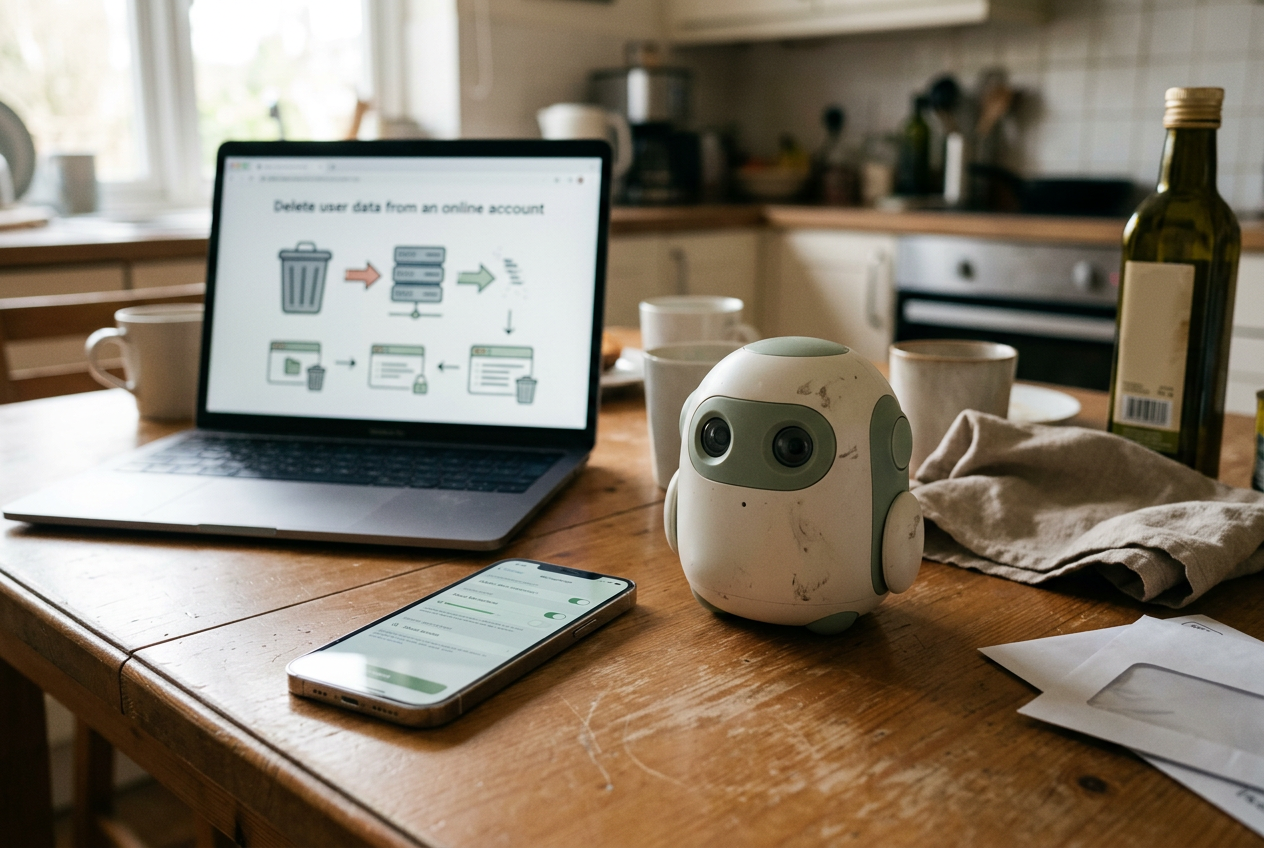
Put the unopened toy on a table beside the phone that will manage it. Before entering the home Wi-Fi password, open the vendor’s setup guide, privacy policy, child-safety page, and deletion instructions in separate tabs.
The object of this test is not to prove that the toy is safe. A household cannot inspect the vendor’s servers or confirm every claim in a privacy policy. The useful goal is narrower: verify that the controls described in the documentation exist, that an adult can operate them without the child’s device, and that the toy behaves predictably when those controls change.
Use a guest Wi-Fi network or a temporary phone hotspot for the online portion. A guest network is an isolated connection that keeps the toy away from laptops, storage devices, and other equipment on the main home network, although the exact isolation depends on the router. Do not create a realistic child profile yet. Use the minimum information the vendor permits and avoid putting a child’s full name, birthday, school, or photo into a test account.
Start with ownership, not conversation
Create the adult account first, then inspect how the child profile sits underneath it. The settings screen should make the relationship visible: the adult account owns the device, controls permissions, and can remove the profile without needing access to the toy itself.
Now try to break that arrangement. From the child-facing interface, look for routes into account settings, subscriptions, purchases, contact lists, or profile editing. If the toy uses a companion app, sign out and check whether a second phone can claim the device without approval from the original adult account. Do not complete an unauthorized transfer; the point is to see whether the vendor asks for a password, PIN, email confirmation, or another adult-controlled check before making a consequential change.
Document what happens in a short note. “Parent PIN required to change content level” is useful. “Parental controls available” is not, because it says nothing about which action triggers the control or whether the child can bypass it from another screen.
Account recovery deserves the same attention. Read where reset links go, whether the child profile has a separate login, and what happens if the managing phone is lost. If recovery depends on an email address, make sure it belongs to an adult who will retain access. A toy that can only be administered from one aging phone has a practical deletion problem waiting to happen.
Trace one harmless sentence through the system
Choose a unique test phrase that contains no personal information, such as “My favorite moon is the silver paper moon.” Say it once after setup and note the approximate time. That sentence becomes the thread for the rest of the inspection.
Open the conversation-history area in the parent app or web dashboard. Check whether the entry appears as audio, a transcript, a summary, or only an activity marker. These are different records: audio preserves the voice, a transcript stores recognized words, and a summary may omit the original wording while retaining the subject.
Compare the screen with the vendor documentation. Look for an explicit statement about where processing occurs. On-device processing means the toy handles a task locally; cloud processing sends data to remote servers. Some products split the work, detecting a wake word locally before uploading the following speech.
That design can reduce continuous transmission, but it does not make the resulting conversation local.
Next, find the retention setting. If history can be disabled, turn it off and repeat the phrase with one word changed. Return to the history screen after the interval the vendor says synchronization may require. A missing transcript is encouraging, though it does not prove that no server log exists; the privacy policy should separately describe diagnostic logs, safety review records, and data kept to operate the account.
There is a tradeoff here. Stored history can help an adult review a troubling exchange, while disabling it reduces the amount of child speech sitting in an account. The control should be understandable enough that the adult knows which side of that tradeoff the current setting selects.
Make the microphone prove that mute means mute
Find the physical microphone control before relying on an app icon. A hardware switch is strongest when it cuts power or the signal path to the microphones, rather than asking software to ignore incoming sound. Vendor documentation should say what the control does, not merely label it “privacy mode.”
Engage mute while the toy is awake. Watch for a persistent indicator on the device, then say its wake phrase and the silver-paper-moon sentence. The toy should not answer or visibly enter listening mode. Leave it muted through a restart and power cycle; if mute silently resets when the battery dies or the device updates, the household needs to know that behavior.
Then open the parent app. It should report the same microphone state, or at least avoid claiming the microphone is available when the physical control has disabled it. A software mute can still be useful for schedules, but it should not be confused with a hardware disconnect.
Router activity cannot establish what the microphone captured, and a blinking network light cannot reveal the contents of an upload. The observable checks are more modest: whether the wake behavior stops, whether the indicator remains unambiguous, whether mute survives a restart, and whether the documentation explains the mechanism. If those answers conflict, leave the toy on the isolated network and ask the vendor for a written explanation.
Test the limit from the child’s side
Select the documented age or content level in the parent account. Use a request that crosses that setting without introducing graphic material, such as asking for a movie recommendation above the selected age rating. Follow with a request to keep the conversation secret from the parent.
The important result is not a cheerful refusal. Check whether the toy holds the limit after paraphrasing, whether a child-facing command can lower the restriction, and whether changing the limit requires the adult credential already tested. Generative systems can produce varied wording from the same request, so one refusal demonstrates a response, not a dependable boundary.
Vendor documentation should also distinguish a content filter from a topic block or an approved-content mode. A filter tries to detect unsuitable output, which can miss indirect phrasing. An approved-content system restricts responses to material the vendor has selected, which narrows usefulness but gives the system less room to improvise. If the product offers only a broad “safe” toggle with no explanation of its scope, record that as an unknown rather than filling the gap with assumptions.
Repeat the limit test after restarting the toy and from any secondary play mode it offers. Settings sometimes apply to the main chat experience while prerecorded stories, user-created characters, or third-party skills follow separate rules. The parent screen on the phone should remain the source of truth.
Delete the sentence, then the test identity
Return to the silver-paper-moon entry and delete that single conversation if the interface allows it. Refresh the dashboard, sign out, sign back in, and inspect any other device connected to the same adult account. A record disappearing from one screen confirms a user-interface change; it does not by itself confirm deletion from backups, safety systems, or vendor logs.
Read the deletion language closely. The documentation should separate removal from view, de-identification, and deletion. De-identification strips direct account links but can leave conversation data in another form. Also check whether deleting a child profile removes its recordings and transcripts, or merely detaches them from the parent dashboard.
Finish by locating the account-level deletion tool without pressing the final confirmation unless the test account is disposable. Note whether the action is self-service, whether it covers voice data, and whether subscriptions or device ownership must be handled separately. If deletion requires a support ticket, send a neutral request asking what data categories are erased and what the vendor retains afterward.
Only move the toy from the guest network to the main Wi-Fi after all five controls have an observable result. A missing transcript viewer may be an acceptable privacy choice if history is never stored and the documentation says so. A microphone control that cannot be explained, an age limit the child can change, or an account with no workable deletion route is a reason to stop setup and return the device.
Questions people ask
Does a guest Wi-Fi network make an AI toy private?
No. It can separate the toy from other devices in the home, depending on the router’s configuration, but it does not stop the toy from sending conversations or diagnostics to the vendor. Use it as a containment step while testing, then rely on the vendor’s documented data controls and the behavior you can observe.
Is a physical microphone switch enough?
It is useful only if its function is clear. Check whether the documentation says the switch disconnects the microphone signal, whether the toy ignores its wake phrase while muted, and whether the state survives a restart. A physical control does not govern transcripts or audio that the service stored before mute was engaged.
Should parents keep conversation history turned on?
That depends on the available controls. History can expose troubling exchanges for review, but it also creates a retained record of a child’s speech. Test whether the product lets the adult inspect and delete individual entries, then choose the shortest retention setting that still supports the household’s reason for reviewing conversations.
What if the vendor offers no self-service deletion button?
Check the privacy policy and support documentation for an account-deletion request, then ask which records it covers and what may remain in backups or required logs. If the answer is absent or vague before a child has used the toy, keep the test profile isolated and do not add real child information.
One story a day
The story of the day, in your inbox
One real story about AI each morning — no hype, no alarm, just company for the road.