AI Meeting Recorders Still Lose Words When People Talk Over Each Other
Dedicated recorders captured a noisy three-person meeting more reliably only when placed well. Speaker labels, names, and action items still demanded a human cleanup pass.
August 9, 2026 · 7 min read

The line that mattered in this comparison was an ordinary action item: Maya would send Jordan the revised deck by Friday. Three people discussed it around one table, with background speech and room noise present, and another person began talking before the sentence had quite finished.
Every setup captured that a deck was involved. The differences appeared in the details a usable meeting record needs: who owned the task, who would receive it, which version was due, and whether Friday belonged to this action or the next sentence.
That small failure is a better test than a page of product features. A recorder can advertise multiple microphones, automatic summaries, custom vocabulary, and speaker identification, yet still produce a polished note that assigns the Maya-to-Jordan deck task to the wrong person. Once that happens, the summary becomes faster to read but less safe to trust.
The recorder in the middle did best
A dedicated recorder placed near the center of the table gave the transcription system the cleanest input. It did not separate every interruption, but it retained more of the words immediately before and after overlapping speech, which made the resulting transcript easier to repair.
Position mattered more than the fact that it was a separate piece of hardware. When the same recorder sat beside one participant, that speaker dominated the recording and the person across the table became less consistent. The device still generated a tidy transcript, but tidy formatting could not restore words its microphones had failed to capture clearly.
This is the main case for dedicated hardware. A thin recorder can stay in a useful position while a phone is being used for messages, authentication, reference documents, or a call. It also tends to offer a physical recording control, so the meeting does not begin with someone finding the correct app, dismissing notifications, and checking whether the screen has locked.
None of that is AI magic. It is capture discipline.
The dedicated unit earned its place when it remained in the middle of the table for the whole conversation. Its advantage narrowed quickly when the phone received the same central position and remained untouched.
A centered phone was closer than expected
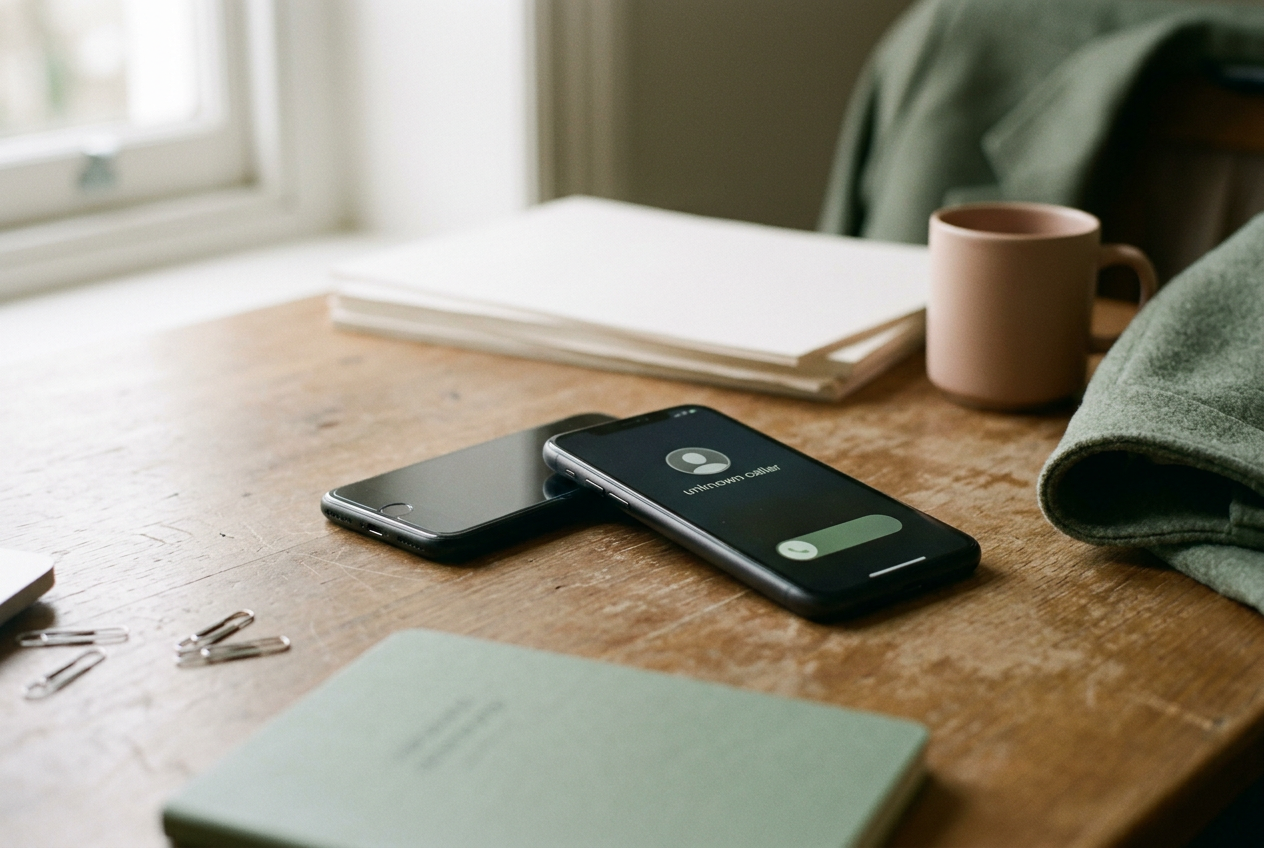
Phone-based transcription was the strongest alternative, provided the phone lay flat near all three speakers rather than in front of its owner. Modern phones already contain capable microphone arrays, meaning several microphones whose signals can be combined to emphasize useful sound, and transcription apps can send the resulting audio to the same class of cloud models used by dedicated recorders.
With comparable placement, the phone retained the main thread of the conversation and produced a workable first draft. It stumbled in the same hard places: two voices starting together, a name spoken once without context, and a short acknowledgment that the software interpreted as a change of speaker.
The daily problem was that the phone did not stay put. Picking it up to check a document changed its orientation and distance from the speakers, while a notification vibration and handling noise added sounds that the transcript either ignored or tried to turn into speech. A dedicated recorder has an advantage partly because it is boring enough to leave alone.
A phone kept in a pocket or positioned beside one participant was the weakest arrangement. That setup may suit a personal voice memo, where one close speaker matters, but it is poorly matched to a table conversation. The transcript could remain readable while quietly dropping the remote speaker's qualifiers, including the words that turn a tentative suggestion into a confirmed commitment.
For buyers, this distinction matters more than whether a product calls itself an AI recorder. Compare a dedicated device in its intended position with a phone in the same position. Comparing a centered recorder with a phone held in one person's hand mainly measures setup quality.
Overlapping speech remained the hard limit
Overlapping speech is not just noise. It gives the transcription system two legitimate streams of language at once, often recorded into a mixed audio track rather than isolated channels. The model must decide whether to favor one voice, combine fragments from both, or omit uncertain words.
The systems generally favored the louder or nearer participant. A brief interruption could disappear, while a longer interruption might be merged into the first person's sentence. The most misleading output was not an obvious blank. It was a grammatical sentence assembled from pieces that belonged to different speakers.
That behavior affected the Maya-to-Jordan deck task. Once another person spoke over its final words, a transcript could preserve Maya, Jordan, the deck, and Friday without preserving their relationships. A summary model then received plausible but damaged source material. It could not reliably infer whether Maya owned the work or merely asked about it.
Listening to the audio remained the fallback. Dedicated hardware helped when its recording made both voices easier to hear during review, but no setup removed the need to replay the disputed section. Products that let a user jump from a transcript sentence to the matching audio were more useful here than products that concentrated on elaborate summary templates.
Names and speaker labels need setup
Names failed differently from ordinary vocabulary. A common word can be recovered from sentence context, but a person's name may appear only once, and the model has little evidence when several spellings sound alike. Adding participant names or project terms to a custom vocabulary, where the service lets users supply expected words, improved the odds of a useful transcript without solving speaker assignment.
Speaker labels rely on diarization, the software step that divides speech according to who appears to be talking. In a three-person conversation, a clean Speaker 1, Speaker 2, and Speaker 3 layout looked reassuring until a person leaned back, turned away, or spoke over someone else. The system could split one participant into two labels or attach an interruption to the preceding speaker.
Voice enrollment, when available, can associate a stored voice sample with a name. It adds setup time and creates another privacy decision because the service may retain a voice profile alongside meeting audio. For an occasional conversation, manually naming speakers after recording was often the more practical choice.
The safest correction order was consistent: identify the speakers first, check names and uncommon terms next, then verify decisions and action items against the audio. Editing the prose before fixing speaker identity wasted time because later corrections changed the meaning of whole passages.
Action-item summaries amplified small errors
Automatic action items were useful as an index, not as a record of commitments. They pulled scattered decisions into a compact view, which made it easier to locate the relevant moment in the transcript, but they also removed hesitation and discussion that explained whether a task was final.
The Maya-to-Jordan deck task exposed the risk. A summary needed four pieces to be useful: the owner, recipient, object, and deadline. Missing any one of them created another follow-up. Assigning the wrong owner was worse, because the note still looked complete.
This is where correction time should drive the purchase decision. If a dedicated recorder gives cleaner audio and lets a user open each action item at the matching point in the recording, it can reduce the work after a meeting. If both the recorder and phone require the same replay, relabeling, and rewriting, the separate device has added charging, syncing, and subscription management without removing labor.
Cloud processing is part of the product
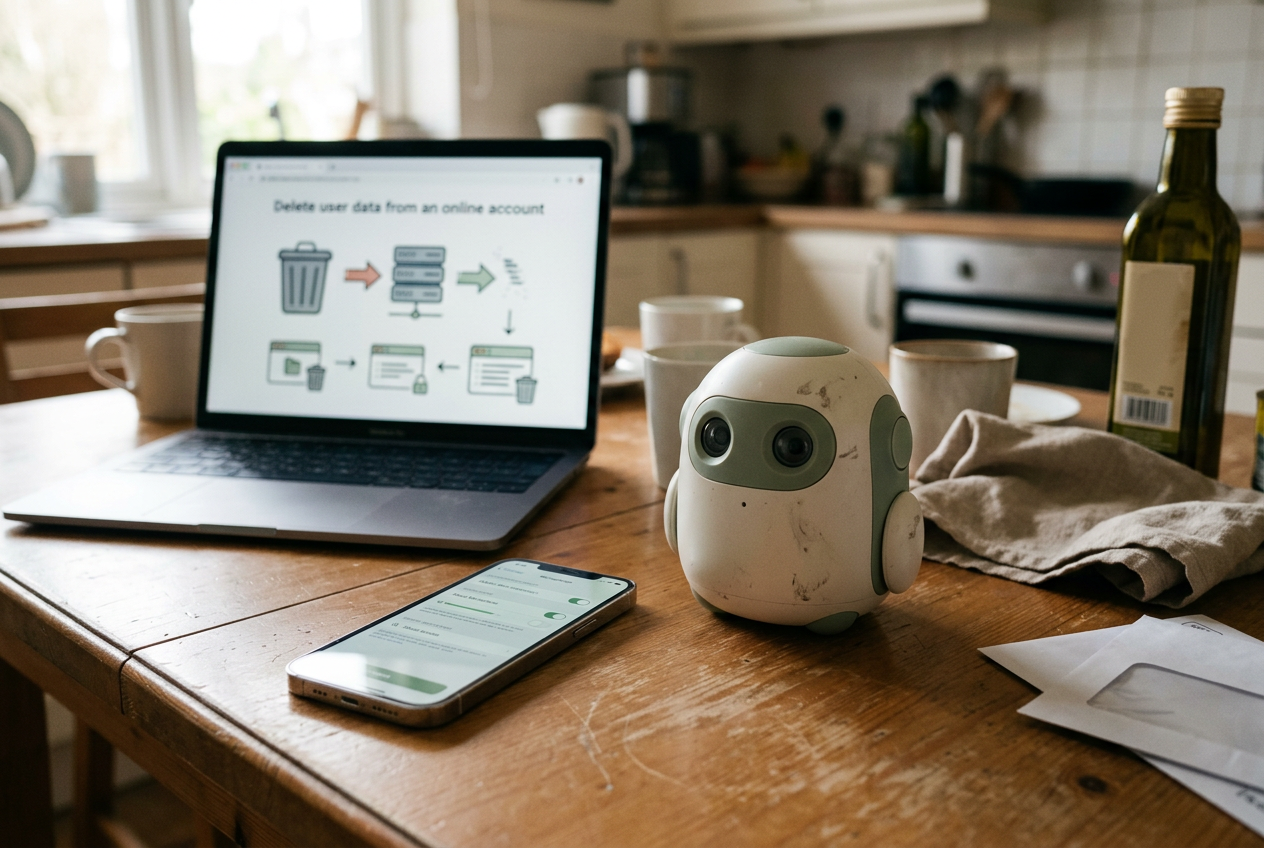
Most AI meeting recorders are better understood as capture terminals for a cloud service. The hardware records audio, an app uploads it, a remote model creates the transcript, and another model may turn that transcript into a summary. Processing can therefore wait on the upload, the service, and the user's connection rather than the recorder alone.
That chain affects privacy and reliability. A device may continue recording without a connection, yet its headline features can remain unavailable until the audio reaches the cloud. Buyers should check where recordings are stored, how deletion works, whether transcription requires a subscription, and whether audio or transcripts may be used to improve the service.
Consent also belongs in the setup, not as an afterthought. Recording rules vary by location and circumstance, and workplace policies may be stricter than local law. The practical approach is to disclose the recording before pressing the button and avoid uploading sensitive conversations to a service that has not been approved for them.
A phone can carry the same cloud costs and privacy exposure. Dedicated hardware does not automatically make recording more private; in some cases, it merely moves the upload into a companion app with a less familiar settings screen.
Who should buy separate hardware
A dedicated recorder makes sense for someone who records meetings often, can place the device centrally, and regularly needs to revisit exact wording. The physical control and uninterrupted table position are real advantages, especially when the user's phone must remain available for other work.
It is harder to justify for occasional meetings where a phone can sit untouched in the center. In that case, spend a few minutes preparing the session instead: enter expected names if the app supports it, keep the microphone clear, state action items in full, and ask participants not to confirm ownership with a bare yes while someone else is speaking.
The best procedural fix was also the cheapest. At the end of the conversation, restate each commitment with the person's name and deadline, leaving a small gap between speakers. That gave every system a cleaner second chance to capture the information that mattered.
Questions people ask
Are dedicated
AI meeting recorders more accurate than phones?
They can be, mainly when their placement and microphones produce clearer audio throughout the meeting. A modern phone placed in the same central position can come close, while a recorder left beside one speaker can lose much of its advantage. The transcription service behind each setup also affects the result.
Can an
AI recorder identify three speakers correctly?
It can separate three voices under favorable conditions, but labels become less reliable when people interrupt, change position, or have similar voices. Treat automatic speaker names as a draft. Confirm identity before relying on attributed decisions or action items.
Do
AI meeting recorders work without the cloud?
Many devices can capture audio offline, but transcription, speaker labeling, and summaries often require an upload to a remote service. Check the product's current offline behavior, storage policy, processing limits, and subscription terms before buying, particularly if meetings contain confidential material.
How can
I improve transcription in a noisy meeting?
Put the recorder or phone near the center, keep it stationary, supply expected names when possible, and restate final commitments one person at a time. For the important lines, verify the owner, task, and deadline against the audio rather than trusting the generated summary alone.
One story a day
The story of the day, in your inbox
One real story about AI each morning — no hype, no alarm, just company for the road.