Test an AI Toy’s Off Switch Before Your Child Uses It
A power button is not enough. Before keeping a connected AI toy, check what its microphone sends, what the vendor stores, and what remains usable after generative chat is disabled.
October 19, 2026 · 7 min read
Connected toys used to work from a bounded library of recorded lines. A child pressed a paw, opened a book or said one of a handful of recognized phrases, and the toy selected a prepared response. Generative models change that interaction because the toy can accept questions its designers did not anticipate and produce new answers, often by sending audio or a transcript to cloud servers.
That capability makes the toy less repetitive. It also means the meaningful parental control is no longer the plastic power switch.
Use a kitchen-table off-switch test before the toy reaches a bedroom. The test starts in the parent app, moves through the microphone and network connection, and ends with generative conversation disabled. The key result is what the toy can still do at that point. A good design falls back to local stories, music, movement or button-driven play; a weak one becomes an inert shell until its cloud access returns.
Trace one conversation from microphone to reply
Start with the data path described in the manual, privacy notice and support pages. In a typical cloud design, the microphone captures speech, a speech-to-text system converts that audio into words, a generative model creates a response, and text-to-speech turns the result back into a voice. Content filters may inspect the input or output, but vendor documentation should say where processing occurs and what gets retained.
Do not assume a toy uses that full chain every time. Some devices recognize wake words or a small set of commands locally, while sending open-ended speech to a server. Others depend on a paired phone or home Wi-Fi for nearly everything conversational. The distinction matters during an outage, but it also determines whether removing network access stops the microphone, stops only generation or produces repeated connection prompts.
During the kitchen-table test, ask one harmless, distinctive question that will be easy to find later in the parent app, such as a request for a story about a purple bicycle. Watch the toy before speaking, while speaking and after the reply. The microphone indicator should make each listening state understandable without requiring the app to be open.
A light or sound is useful only if its meaning is documented. Check whether it marks wake-word detection, active recording, transmission or merely a powered microphone. Those are different events. If the only signal appears on a parent’s phone across the room, the child cannot tell when the toy is listening.
Look for a hardware microphone control as well. A physical mute may disconnect power from the microphone, or it may send a software instruction that tells the operating system to ignore input. Vendor documentation should state which design is used. A button labeled “mute” is not evidence of an electrical cutoff by itself.
Inspect the record the parent can see
Now open the conversation history. Find the purple-bicycle prompt and compare the available record with what was spoken. The app might show a transcript, an audio clip, the toy’s response or only a dated activity entry. Each version gives the parent a different level of oversight.
A transcript can reveal what the system thought it heard, which is useful when children speak quietly or pronounce words unpredictably, but a transcript also creates another stored copy of the interaction. Audio allows closer review while retaining the child’s voice. A bare activity log stores less visible content, although it may leave parents unable to investigate an odd answer.
The privacy documentation should distinguish storage needed to deliver the service from data used to improve models. Model training means using collected examples to change later system behavior; it is separate from processing a conversation to answer it. Check whether improvement use is optional, whether the setting applies to both audio and transcripts, and whether changing it affects future collection only.
Also test account boundaries. If the toy supports multiple child profiles, confirm that the parent can identify which profile produced an entry and whether histories stay separated. Do not enter a child’s real name, school or address to probe this. The goal is to understand the controls, not to seed the service with more personal information.
Delete the test, then verify the scope
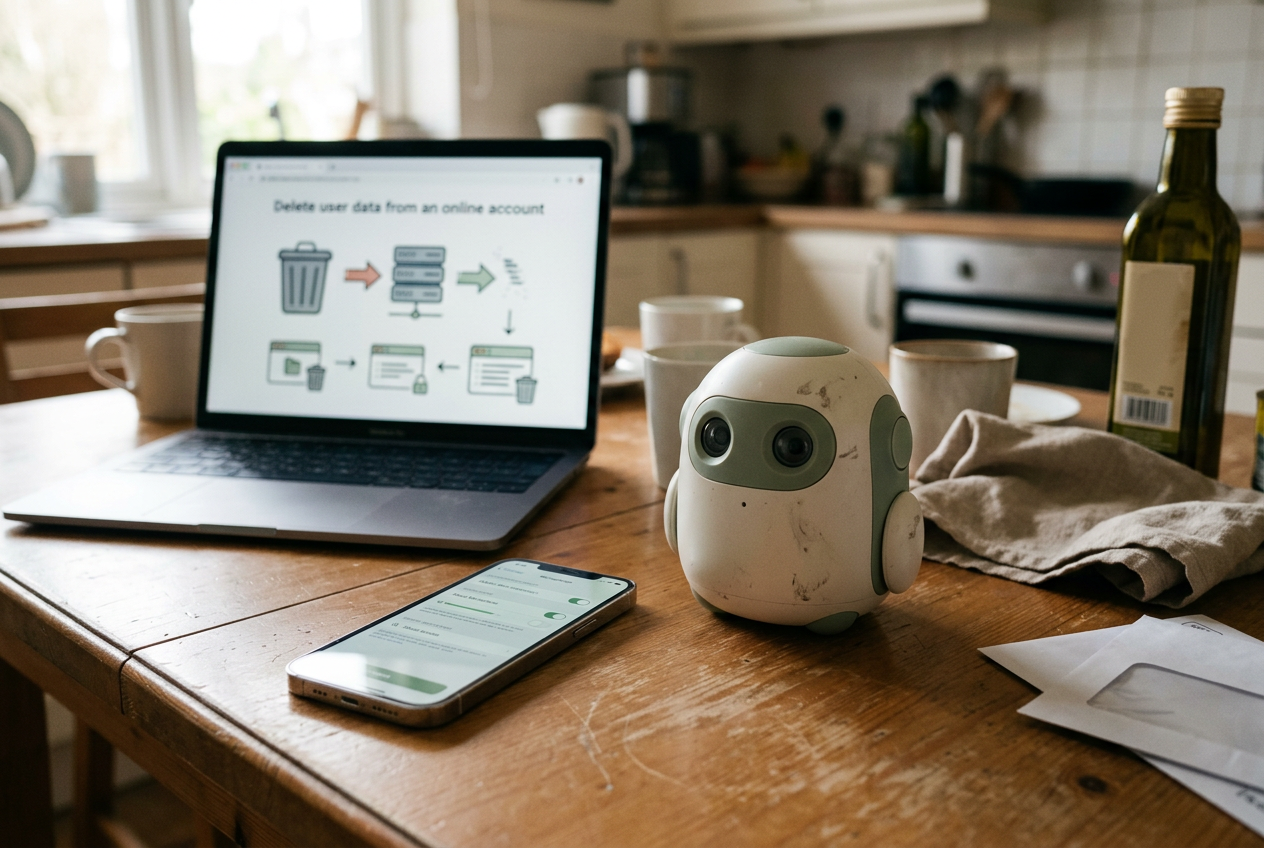
Pressing delete is only the middle of the kitchen-table off-switch test. Before doing it, read the vendor’s deletion explanation and note what the command covers. “Conversation history” may refer to entries visible in the app without necessarily including source audio, safety-review copies, account records or data already separated from the account.
Delete the purple-bicycle conversation and confirm that it disappears after closing and reopening the app. Then look for an account-level deletion route, which should be separate from removing an individual chat. If the toy lacks a per-conversation control, decide whether deleting the whole account is a practical remedy or an option so destructive that a parent will avoid using it.
Retention language deserves close reading. “Deleted from view,” “scheduled for deletion” and “retained where required” describe different outcomes, even if the interface uses one trash-can icon. Vendor documentation may not expose every internal system, but it should identify the categories of data collected, the deletion mechanism and any stated retention exceptions. If those points are spread across several documents and contradict one another, the parent app cannot repair the uncertainty.
Deleting the account should not be the first time you discover what happens to purchased content or local features. Check the support documentation before trying it, particularly if the toy associates stories, character packs or other paid material with the account.
Pull the network without turning off the toy
Leave the toy powered on and disconnect it from Wi-Fi using the documented network control. Avoid blocking random domains at the router for this basic test, since partial blocking can create behavior that the vendor does not support and that another household cannot reproduce.
Try the same prompt again. Note whether the toy explains that conversation is unavailable, substitutes a local activity, records audio for later upload or keeps retrying. The last two behaviors need explicit documentation because they change what “offline” means. A toy that cannot answer without a server may still capture input, while another may stop at the wake word and discard everything else.
Latency also becomes visible here. Cloud conversation normally includes capture, network transit, model generation and speech playback, so the pause is longer and more variable than selecting a prerecorded line. You do not need a stopwatch benchmark. Listen for whether the toy clearly signals that it is working, whether a child is likely to repeat the question during silence, and whether those repeated words become another request.
Reconnect Wi-Fi and inspect the history once more. An offline prompt should not appear later unless the documentation says the toy queues requests. If it does appear, the device stored something locally during the disconnection. That may be a deliberate feature, but parents should know it exists.
Use the generative control, not just bedtime mode
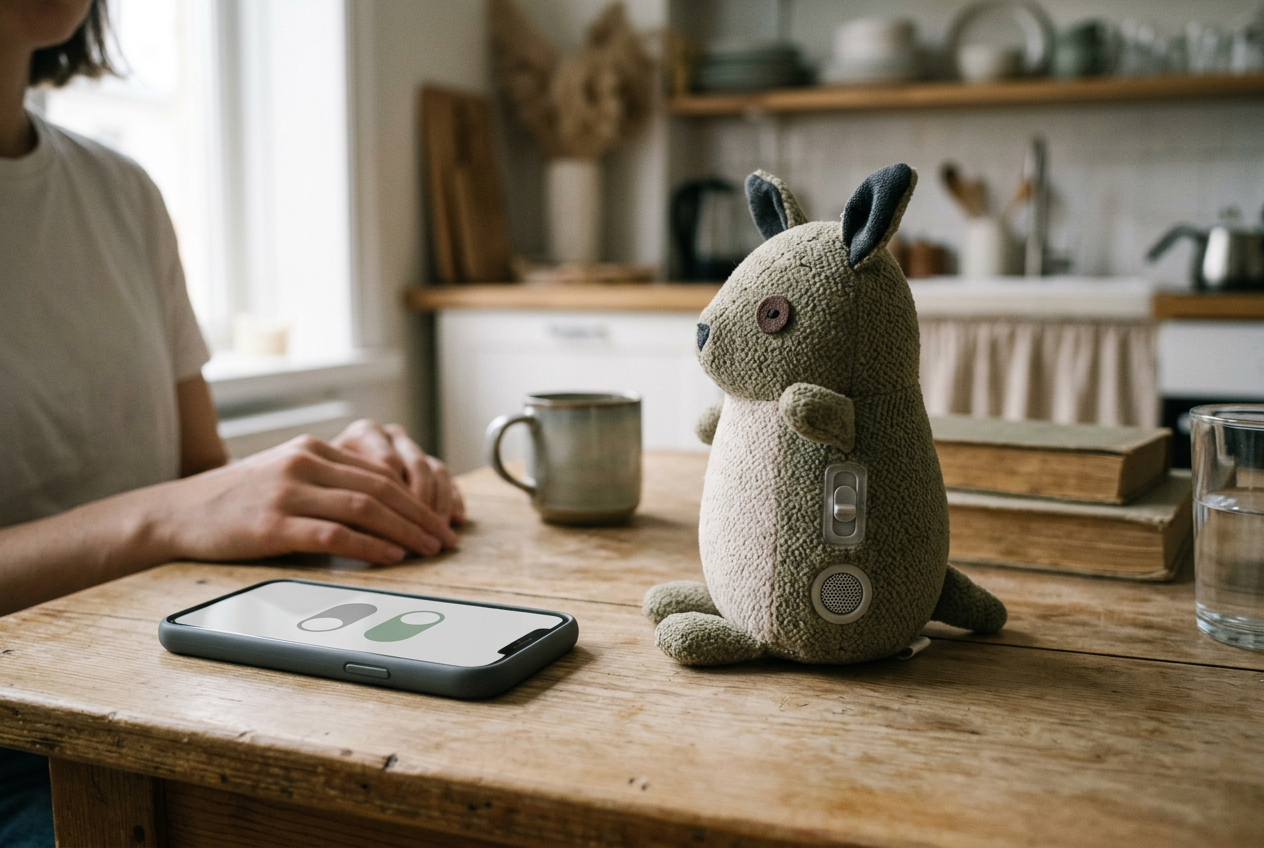
The decisive step sits in the parent settings. Find the control that disables open-ended or generative conversation while leaving the rest of the toy powered. Time limits, bedtime schedules and volume controls manage access; they do not prove that cloud generation has been switched off.
After disabling the feature, repeat the purple-bicycle prompt, press the physical controls and launch any included offline activity. The acceptable fallback depends on what you are buying, yet the behavior should match the manual. A storytelling figure might retain downloaded audio. A moving toy might keep its buttons and motion routines.
If every feature requires the generative service, the parent’s choice is reduced to full cloud access or no useful toy.
Check how the setting survives ordinary disruptions. Restart the toy, close the parent app and reconnect the network, then verify that generative chat remains off. A parental restriction that silently resets after power loss is not a dependable control. The app should also make re-enabling the feature an adult action rather than something available through a spoken request to the toy.
This is where return policies matter more than feature pages. Vendor documentation can tell you that a switch exists, but only the kitchen-table test shows whether the indicator is legible across a room, whether deletion is understandable, and whether the non-generative fallback is engaging enough to justify keeping the hardware.
If you cannot perform that test before purchase, read the current manual, privacy notice and support instructions first, then preserve the packaging until you have run it. Skip products whose documentation never states what survives after generative conversation is disabled. The missing answer concerns the toy’s basic daily use, not an edge case.
Questions people ask
Can an
AI toy listen when it appears to be asleep?
Sleep can mean a dark display, low-power mode or a paused conversation service. Check whether the manual says the microphone remains available for a wake word and whether that recognition happens locally. A documented hardware mute is the clearer control when the toy is not in use.
Will turning off Wi-Fi make an AI toy private?
It can stop cloud requests, but it does not prove that the microphone is inactive or that audio is discarded. Some hardware may retain data or wait to reconnect. Test the documented offline mode, inspect history after reconnection and use the microphone control when you want capture disabled.
Does deleting conversation history erase the recordings too?
Only if the vendor’s documentation says the deletion covers both the visible history and underlying audio. Look for separate descriptions of transcripts, recordings, safety copies and model-improvement data. If the app removes an entry without explaining the other categories, treat the scope as unclear.
What if disabling generative chat makes the toy useless?
Return it unless full cloud dependence was the product you intended to buy. The practical parental off switch should leave enough local or prerecorded play to justify the object. Otherwise, every concern about a conversation forces a choice between continued processing and a toy that no longer does much.
One story a day
The story of the day, in your inbox
One real story about AI each morning — no hype, no alarm, just company for the road.