Your AI Recorder Leaves the Room. Its Audio Usually Doesn't
PLAUD Note, Limitless Pendant, and Omi take different routes to the same destination: cloud processing. Their deletion and export controls deserve as much scrutiny as their transcripts.
August 9, 2026 · 7 min read

Put a PLAUD Note on the table for a 9 a.m. meeting. Its button and microphones make it feel like a conventional recorder, and during capture that is broadly what it is: the device writes an audio file to its own storage rather than transcribing the conversation by itself.
The important part starts after everyone leaves. Opening the PLAUD app and requesting a transcript moves the recording into a larger system involving the recorder, the phone, PLAUD’s service, and whichever outside infrastructure handles storage or model processing. The hardware may capture locally, but that does not make the product locally processed.
That distinction is easy to miss across AI recorders. PLAUD Note stores a recording before import, the Limitless Pendant was designed around a cloud-based “lifelog,” and Omi relays audio through its companion app. All can put words on a screen. They differ in where the original audio waits, which functions stop working without a connection, and how many controls a user must operate to remove the meeting later.
Local capture is only the first hop
A locally captured recording remains on hardware during the meeting. Local processing would mean the device, or perhaps the paired phone, also performs speech recognition and creates the transcript without sending audio to a vendor-controlled service. Those are separate capabilities.
PLAUD’s published material describes the Note as having onboard storage and transferring recordings to its mobile app. Transcription and AI summaries require its online service, which means the useful text features remain cloud-dependent even though the recorder can capture a meeting while offline. No connection means the audio can wait. It does not mean the Note has quietly generated a transcript in its pocket.
Return to that 9 a.m. recording. Once it appears in the app, a user may see one meeting, but the system can hold more than one representation: the device’s original file, an imported audio object associated with the account, a transcript, a summary, and exported copies created by the user.
Cloud sync settings can add another distinction between material available only in the current app installation and material recoverable on another device.
Limitless takes a different route. Its Pendant documentation presents the cloud account and lifelog as the center of the experience, rather than treating the wearable as a recorder from which users manage ordinary audio files. Audio reaches the service for transcription and organization; without that service, the product loses the searchable timeline that defines it. Encryption and access controls can protect cloud data, but neither changes where processing occurs.
Omi is more explicit about being part of a software stack. The wearable streams audio to its phone app rather than acting as a self-contained archive, while the hosted consumer service uses remote systems for transcription and memory features. Omi also publishes open-source components, creating a possible self-hosted route for practitioners prepared to run and inspect their own backend. That option is meaningful, though it is not the same as selecting “process on phone” in the standard app.
Self-hosting brings server setup, model selection, updates, and security work.
The account becomes the real recorder
Vendor privacy policies generally describe retention in terms of an account, a processing purpose, or a deletion request, rather than giving every recording a visible expiration timer. In practical terms, a meeting may remain available until the user removes it, closes the account, or reaches another condition stated by the service. Backup systems can retain residual copies for an additional period, and vendors commonly reserve exceptions for security, disputes, or legal obligations.
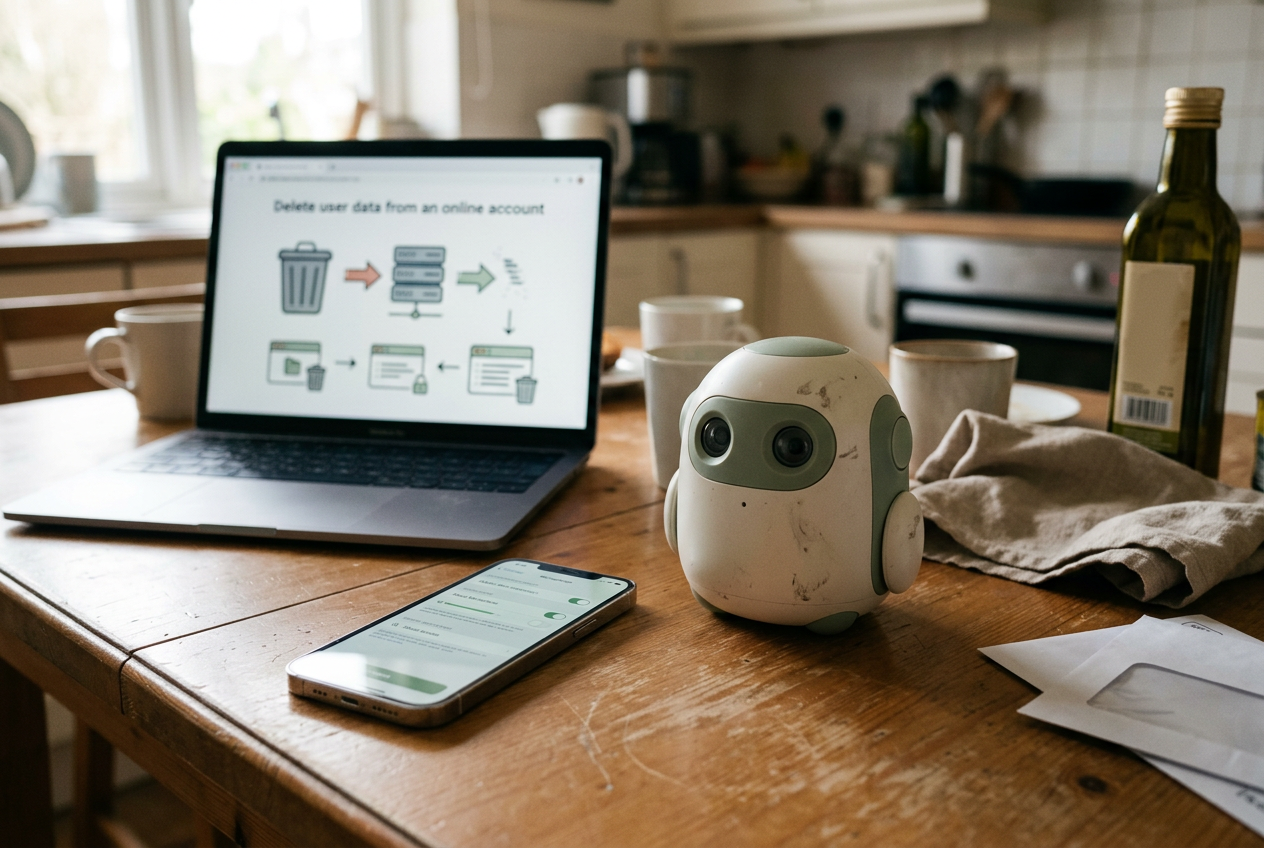
This is where a settings screen matters more than the wearable’s industrial design. PLAUD users need to distinguish deleting a recording from the app, clearing any recently deleted area, removing a remaining device copy, and deleting the account itself. The company’s documentation supplies controls for managing files and account data, but a file disappearing from the main list should not be treated as proof that every associated copy has been erased immediately.
Limitless documentation similarly lets users remove lifelog content and request account deletion. Its product model makes the cloud copy especially important because the searchable transcript, context, and generated output live around that account record. Deleting one visible item is narrower than deleting an account, while account deletion can still be subject to the backup and legal-retention qualifications in the privacy policy.
Omi users face an added question about configuration. Someone using the hosted app depends on the hosted service’s deletion controls and policy; someone running an independent backend controls more of the retention path but must also manage database records, object storage, logs, and backups. Open source can make data flows inspectable. It does not erase data by itself.
None of these products should be assumed to delete a meeting when its transcript quota runs out or a subscription ends. A plan limit controls access to a feature or the amount of processing purchased. Retention is a separate policy and should be checked separately.
Exporting is not the opposite of cloud storage
Export controls are useful because they reduce lock-in and let a user preserve work before deleting an account. PLAUD supports exporting recordings and generated material from its app, while Limitless and Omi provide ways to retrieve or move account content through their respective software and data-access mechanisms. The available package may separate audio, transcript text, summaries, and structured records rather than reproducing the application exactly.
An export also creates a fresh copy. Saving the 9 a.m. transcript to a downloads folder, emailing it to a colleague, or placing it in a workplace document system moves that meeting outside the recorder vendor’s deletion controls.
Removing the PLAUD item afterward will not recall those files. The same applies to integrations that forward notes into calendars, knowledge bases, or automation tools.
Before relying on export as an exit route, test it with an unimportant recording. Check whether the download includes original audio or only generated text, whether speaker labels survive, and whether timestamps arrive in a reusable format. A transcript without timing or speaker boundaries may be adequate for reading but poor evidence for reviewing what the model misunderstood.
The fallback for buyers who require local processing is less convenient: use an ordinary digital recorder or phone, move the file to a controlled computer, and run an offline speech-recognition model there. That replaces an automatic app workflow with file management and local compute time, but the recording does not need to enter a wearable vendor’s cloud. A phone app claiming offline transcription can also work, provided offline means the audio and inference both remain on the device rather than merely allowing capture without a connection.
A deletion test worth running before a sensitive meeting
Start with a disposable recording that contains no confidential material. Record it, import it, request transcription, and export the result. Then turn off the phone’s connection and establish which objects remain available on the wearable and in the app. Reconnect, delete the meeting, inspect trash or recently deleted areas, and sign in from another device or the service’s web interface if one exists.
Next, read the privacy policy for the words “retention,” “backup,” “service provider,” and “deletion.” A service provider is another company processing data for the vendor, such as cloud storage or speech recognition. The relevant policy should explain the categories of recipients and the reasons data can persist, although consumer documentation does not always identify the exact model or processing region used for each request.
Finally, inspect integrations and phone storage. Share sheets, automatic exports, downloaded audio, notification previews, and workplace sync tools can retain content after the source meeting vanishes. Operating-system permissions reveal whether an app can use the microphone, contacts, or nearby-device connections, but they do not show every server-side copy already created.
For the PLAUD Note still sitting on the desk, the decisive moment was not pressing record. It was pressing transcribe. Buyers who cannot accept that upload should choose a workflow built around offline speech recognition, because none of the polished deletion screens can turn a cloud transcript back into local processing.
Questions people ask
Does local recording mean my meeting stays on the wearable?
No. Local recording only describes where capture begins. PLAUD Note can hold audio on the recorder, but requesting its AI transcript sends the meeting into an online workflow; Omi relays audio through its app, while Limitless builds its searchable experience around a cloud account.
Does deleting a transcript also delete the original audio?
Do not assume it does. Audio, transcript text, summaries, trash, device storage, and exported files can be separate objects, so use every relevant deletion control and check the vendor’s retention policy for backups or exceptions that may persist after an item disappears.
Can
I use an AI recorder without sending audio to the cloud?
You can capture offline with some hardware, but its AI features may wait for a connection. For local transcription, use a recorder or phone that exports an ordinary audio file, then run an offline speech-recognition model on hardware you control.
Does an open-source wearable keep recordings private by default?
No. Open-source code can expose how data moves and may support self-hosting, as with Omi’s broader software ecosystem, but the standard hosted app can still use remote processing. A self-hosted deployment also needs its own retention rules, access controls, logs, and backup deletion.
One story a day
The story of the day, in your inbox
One real story about AI each morning — no hype, no alarm, just company for the road.