Buy the AI Recorder That Still Works After You Cancel
Microphone counts matter less than searchable audio, correctable transcripts and files you can keep. Test the exit path before paying for another AI subscription.
August 9, 2026 · 7 min read
Use one ordinary job as the buying test: record a 45-minute interview on Tuesday, find one exact statement three weeks later, correct a misspelled surname, then move the audio and edited transcript into another app. Finally, cancel the paid plan and try the same steps again.
That workflow exposes more than a page of microphone specifications. AI recorders usually combine physical capture with cloud processing, meaning the hardware records sound while remote servers produce transcripts, summaries and searchable notes. The recorder may keep working without a subscription even as the useful retrieval layer disappears.
Products such as the Plaud Note, Plaud NotePin, Limitless Pendant and Mobvoi TicNote approach this job from different physical angles. One attaches to a phone, another sits on clothing, and others behave more like pocket or wearable recorders. Vendor documentation emphasizes AI features, but a buyer should first establish which parts belong to the device, which depend on an account and which consume a monthly allowance.
Start with microphone placement, not microphone count
A specification may advertise multiple microphones, beamforming or noise reduction. Beamforming means combining microphone signals to favor sound arriving from a particular direction. It can help when the recorder faces a speaker across a table, but it cannot reconstruct words buried under nearby typing, overlapping speech or fabric rubbing against a pendant.
Placement sets the upper limit. A card-style recorder lying beside a laptop can capture a scheduled interview consistently, provided the speaker is not several seats away. A wearable follows its owner through unscheduled conversations, although clothing movement and the wearer’s own voice may dominate. A desktop device is easier to aim and harder to carry.
Plaud’s documentation distinguishes between the Note, which is designed for meetings and phone-call capture through physical contact with a handset, and the wearable NotePin. That distinction matters more than choosing the product with the larger microphone number. Phone calls, table meetings and walking conversations impose different acoustic conditions, and no mounting style handles all of them equally well.
For the Tuesday interview, place any candidate where it would sit in normal use, not in the center of an artificially quiet room. Play the recording before reading the transcript. If the surname is hard to hear in the source audio, software may guess correctly once and fail on the next conversation.
Automatic gain control, which raises or lowers recording level as voices change, can make quiet speech clearer but may also lift room noise during pauses. Check whether the app lets you download the original recording rather than only a processed stream. The untouched file is the fallback when transcription fails or a future model handles the audio better.
Search must lead back to the audio
A transcript is useful for retrieval only when a search result points to the matching moment in the recording. Keyword search without timestamps leaves the user scanning pages of text, while a generated summary can omit the qualifying sentence that changed the meaning of a decision.
Search for an unusual phrase from the Tuesday interview three weeks later. Open the result, play several seconds around it and confirm that edits to the transcript do not break the link. Also search for a word that the first transcript got wrong. Some systems search only the generated text, so a transcription error can make the underlying audio effectively invisible until the user corrects it.
Speaker labels deserve the same test. Diarization, the software process that separates speakers, often works when people take turns and degrades when voices overlap. Renaming “Speaker 1” is useful; manually moving a paragraph assigned to the wrong person is more important. Vendor pages that promise speaker identification without documenting correction controls describe an output, not an editing workflow.
Plaud, Limitless and TicNote documentation all center retrieval or AI-generated notes in their respective apps and services. The practical distinction is whether that retrieval remains tied to the vendor’s interface. A polished conversational search box is convenient, but it is not a substitute for timestamps and files that survive outside the account.
An editable transcript beats a better-looking summary
Generated summaries compress a meeting into decisions, topics or action items. They are quick to read and difficult to audit unless each claim links back to source audio. For interviews, research and formal meeting notes, the transcript is the working document; the summary is a derivative that can be regenerated.
Try correcting the surname in the Tuesday recording. The app should preserve the correction, use it consistently where appropriate and include it in the exported transcript. Editing only a generated note is not enough. If the source transcript still contains the error, later searches and regenerated summaries may revive it.
Look for controls that split or merge transcript blocks, change speaker assignments and preserve timestamps. A built-in vocabulary list can help with recurring names or technical terms, although it does not guarantee correct recognition. More model choices are less valuable than a clear edit history and dependable synchronization between words and audio.
This is where a phone app can compete with dedicated hardware. If a smartphone already captures acceptable audio and the transcription service exports a correctable, timestamped document, the separate recorder mainly buys faster activation, a different microphone position and less competition with calls or battery use. That may be worth paying for. It is still a hardware convenience, not proof of better retrieval.
Standard exports are the ownership test
The safest purchase produces an ordinary audio file plus a transcript that opens without the vendor’s app. WAV is an uncompressed audio format and is useful for preservation or later processing; MP3 or M4A files are smaller and broadly playable. For text, TXT and DOCX are easy to edit, while SRT or VTT subtitle files preserve time-coded segments.
PDF is a poor sole transcript format because it prioritizes appearance over editing. A proprietary archive can be acceptable as an extra backup, but it should not be the only bulk-download option. Copying transcript text into a clipboard does not count as a dependable export when speaker names and timestamps vanish.
Plaud’s help documentation describes separate export paths for recordings, transcripts and generated content, although available options can depend on the item and app state. Apply the same scrutiny to Limitless, TicNote or any newer entrant: find the support page that names the formats, determine whether export works one recording at a time or in bulk, and check whether the original audio is included.
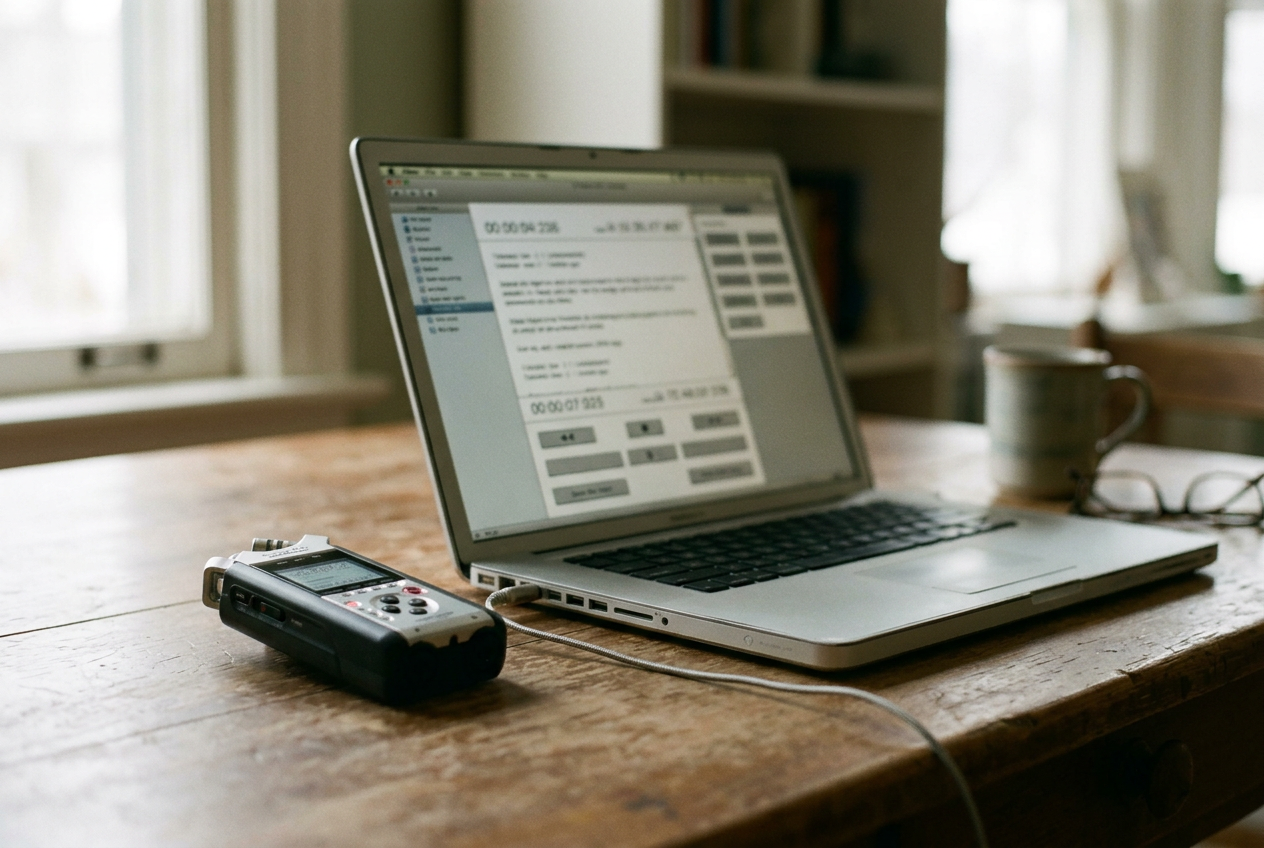
Then perform the transfer. Export the Tuesday interview, open the audio in a standard media player and edit the transcript in software unaffiliated with the recorder maker. Imported timestamps should still identify the right passage. A feature shown only in the vendor’s app is access, not portability.
A conventional Sony, Zoom or Tascam recorder paired with separate transcription software remains the less integrated alternative. It adds a transfer step and loses some automatic organization, but standard local audio files reduce the risk that a plan change turns old recordings into inaccessible entries in a cloud library.
Cancel before deciding what the hardware costs
AI recorder subscriptions commonly meter transcription or reserve advanced models, templates and generated summaries for paid tiers. The headline hardware price therefore covers the microphones, storage and controls, while the recurring charge may cover the feature that made the device appealing.
Read the plan page beside the privacy and export documentation. Monthly transcription allowances need definitions: uploaded minutes may count differently from device recordings, retranscription may consume another allowance, and unused capacity may expire. If the documentation does not answer those points, assume the restrictive interpretation until support confirms otherwise in writing.
The cancellation test has four acceptable outcomes. The device should still record. Existing audio should remain playable or downloadable. Previously generated transcripts should remain accessible long enough to export.
New recordings should have a documented path into another transcription service, even if that path becomes manual.
Failure at the final step does not make a recorder useless, but it changes the purchase. A device that records standard audio after cancellation is still hardware. A device whose recordings can only be processed, searched or removed through a paid cloud account behaves more like an accessory for a service.
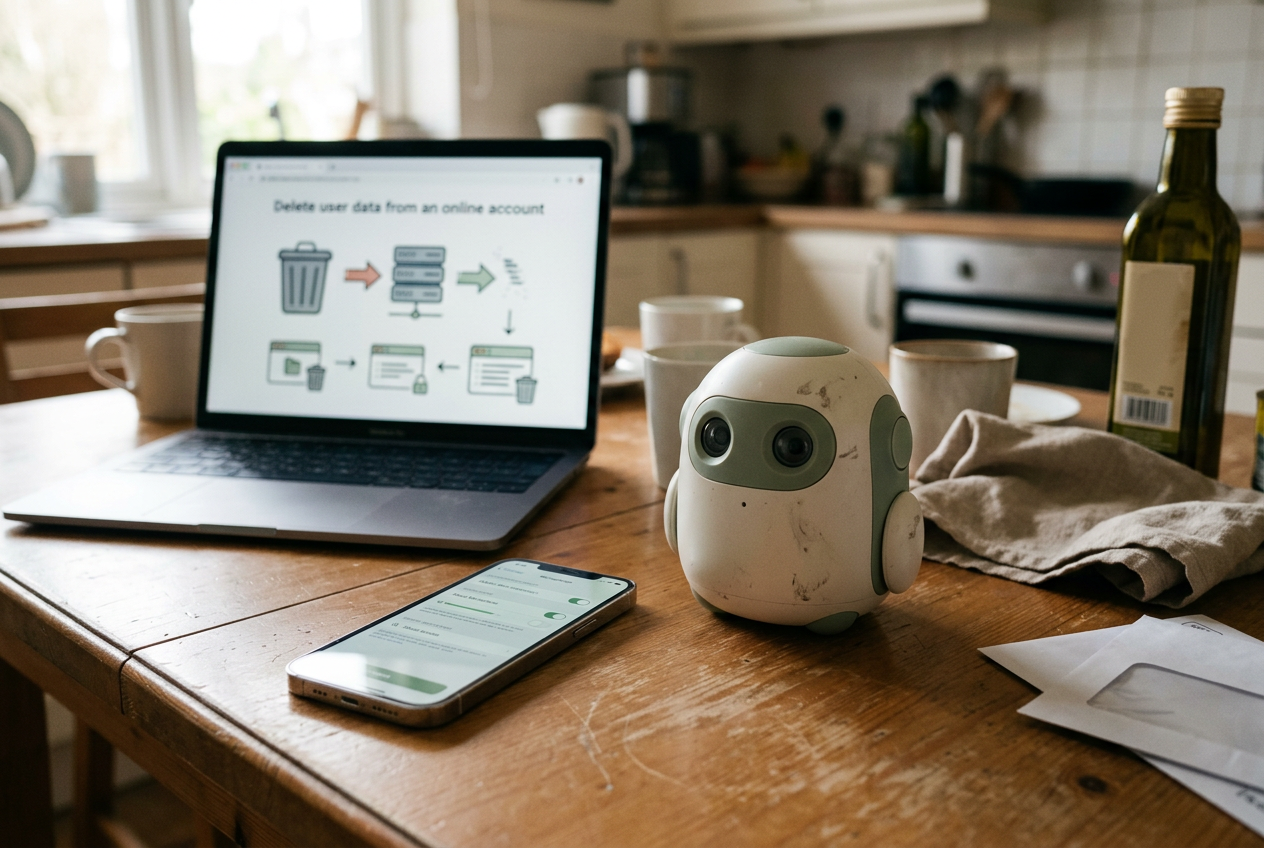
Account deletion is a separate test. Cancellation stops billing; deletion may remove cloud data. Before relying on a recorder for long-term material, check whether the vendor supports bulk export, states how deletion affects device files and explains whether recordings remain on its servers after removal from the app.
Which recorder shape earns a place on the desk
For scheduled phone calls, Plaud Note’s handset-oriented design is easier to justify than a wearable, provided its export and plan terms fit the buyer’s workload. For in-person capture where reaching for a phone would interrupt the exchange, a NotePin or Pendant-style device offers quicker access but places more of the experience inside its companion service.
TicNote and similar pocket devices occupy the middle: dedicated controls reduce phone friction, while AI credits and cloud features still require close reading. Buyers who mainly need reliable evidence of what was said should also price a conventional recorder plus separate transcription. The workflow is less polished, though the exit path is clearer.
Return to the Tuesday interview. If a candidate cannot find the phrase, fix the surname, export synchronized files and repeat the job after the subscription ends, its microphone specification is beside the point.
Questions people ask
Can an AI recorder work without a subscription?
Many can continue capturing audio, but transcription, search, summaries or speaker labeling may require a paid cloud plan. Confirm that cancellation still leaves a standard audio export and a manual route to another transcription service; otherwise, the recorder’s useful life depends on the vendor’s account terms.
Which audio export format should an AI recorder support?
WAV is preferable for preservation and later processing, while MP3 or M4A is adequate for routine playback and smaller files. The important requirement is an ordinary, downloadable file without proprietary software. For transcripts, choose editable text plus a timestamped format such as SRT or VTT when available.
Do more microphones produce a better transcript?
Not by themselves. Distance, orientation, room noise and overlapping speakers often matter more than the microphone count printed on the product page. Test the device in its intended position and listen to the source recording; transcription software cannot reliably recover speech that the hardware never captured clearly.
Should
I buy a dedicated AI recorder or use my phone?
Buy dedicated hardware when faster activation, phone-call capture, wearable placement or reduced phone battery use solves a recurring problem. Keep using a phone when its audio is adequate and the transcription app already supplies searchable, editable and portable files. The separate device otherwise adds another account without improving the result.
One story a day
The story of the day, in your inbox
One real story about AI each morning — no hype, no alarm, just company for the road.